Custom order? Send a real invoice.
Quote a price, text it over, and get paid without chasing anyone down.
How it works
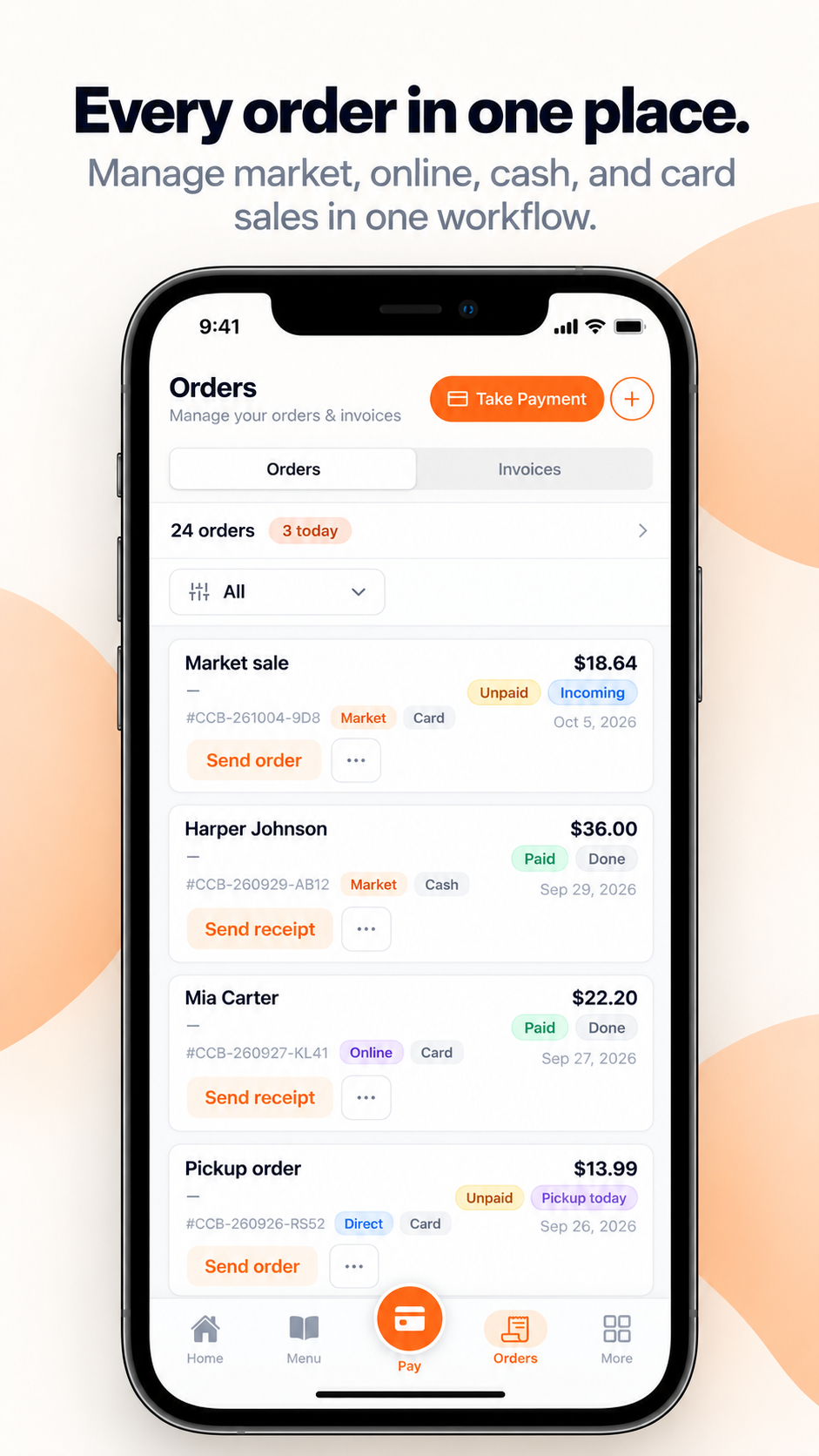
Build a quote with your line items.
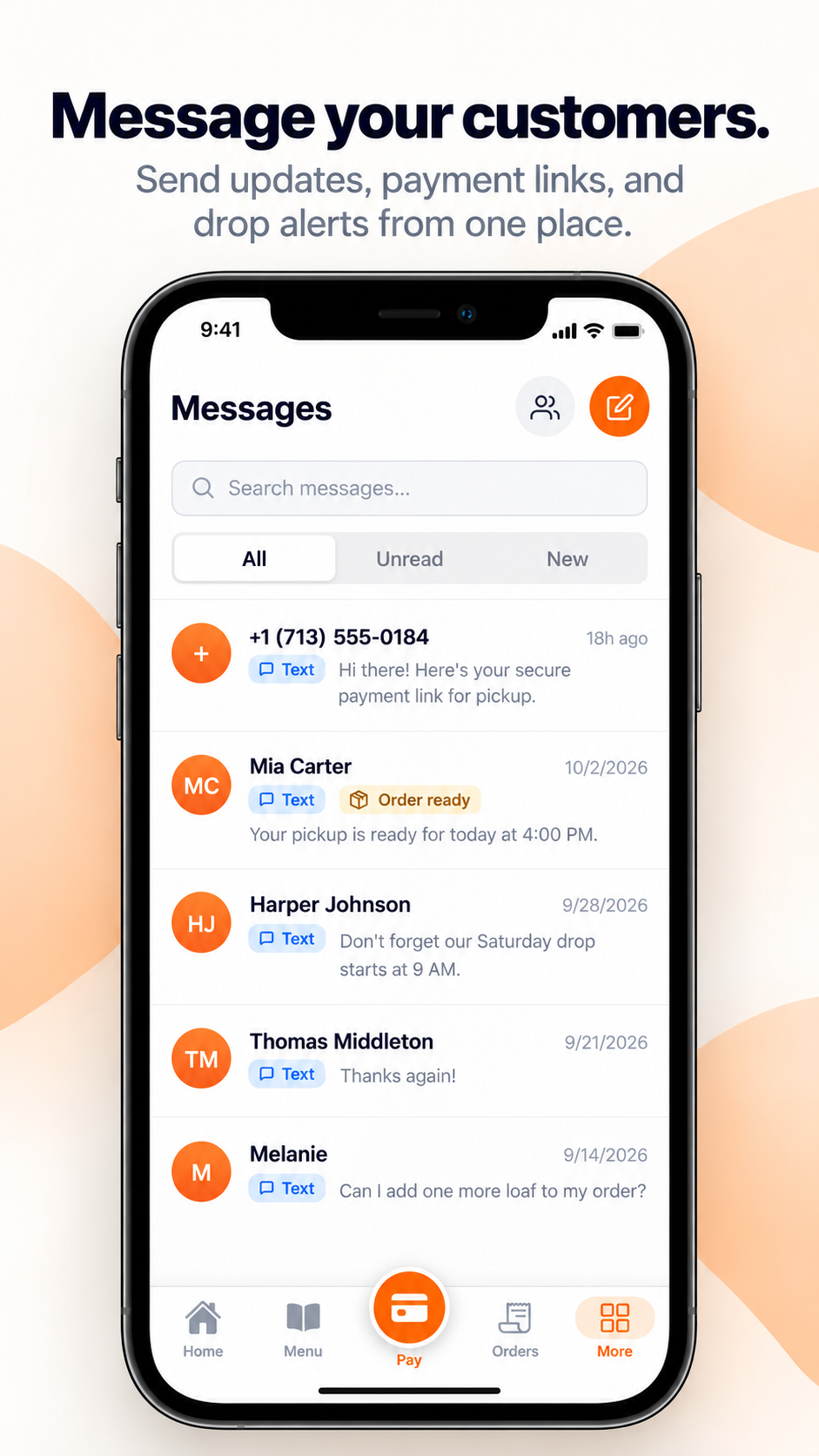
Text it to your customer.
They open it right where they already are, review it, and approve it themselves. (Email works too, if they'd rather.)
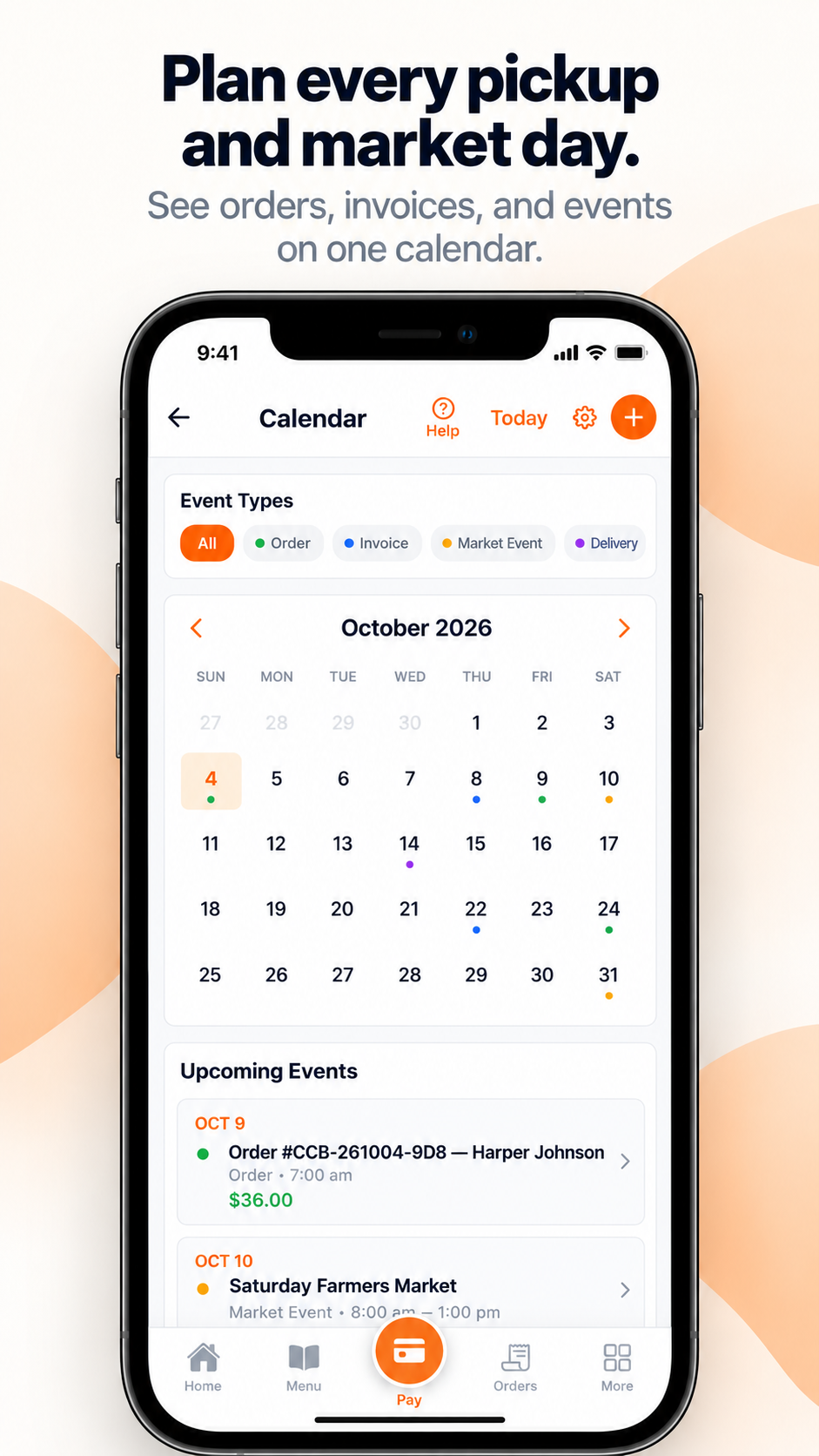
Once approved, it becomes a payable invoice.
Tracked like any other sale, and they get a text confirming it's paid.
Why it's a transaction, not just a quote
An invoice isn't paperwork here, it's the same transaction record as a tap-to-pay sale, feeding the same numbers.
Free to set up. You only pay once you make a sale.
Frequently Asked Questions
What if my customer doesn't approve the quote?
It just stays a quote, nothing becomes billable until they approve it themselves.
Can I send it by email instead of text?
Yes, either works. Text just tends to get opened faster.
Is there an extra fee for sending an invoice?
No, the standard fee only applies once it's actually paid, same as any other sale.
What happens once they pay?
It's recorded like any other sale, tracked, and feeding straight into your Business Coach.
More questions? See all FAQs →