For custom orders, pickups & bakery sales
Bakery orders without the DM chaos.
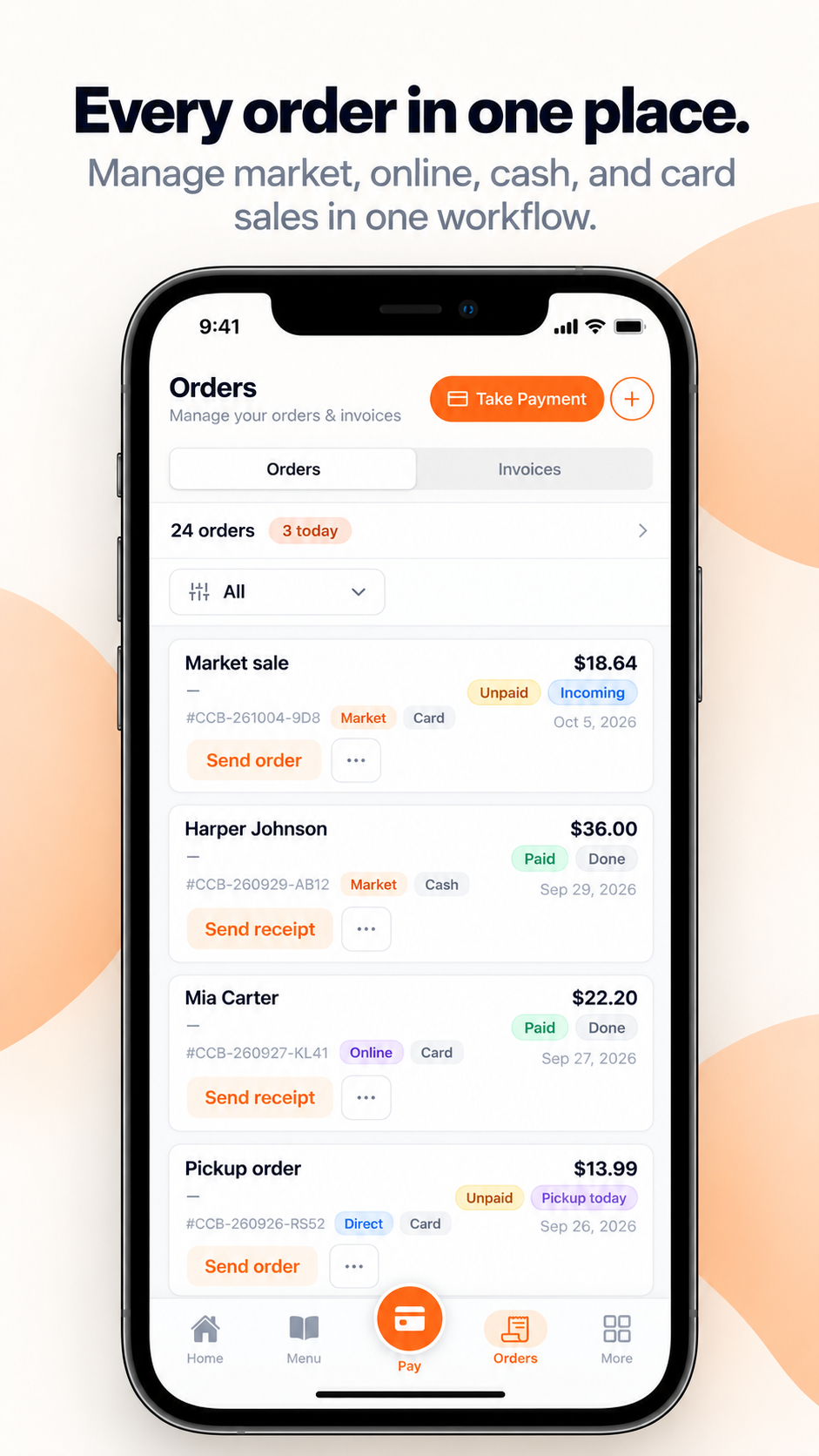
Keep orders, payments, and pickup details together, so you know what needs to go out next.
Free to get started. Transaction fees apply.
How it works
A customer reaches out, you build the quote.
You set the line items and price, same as any custom order today, just in one place instead of scattered across texts and DMs.
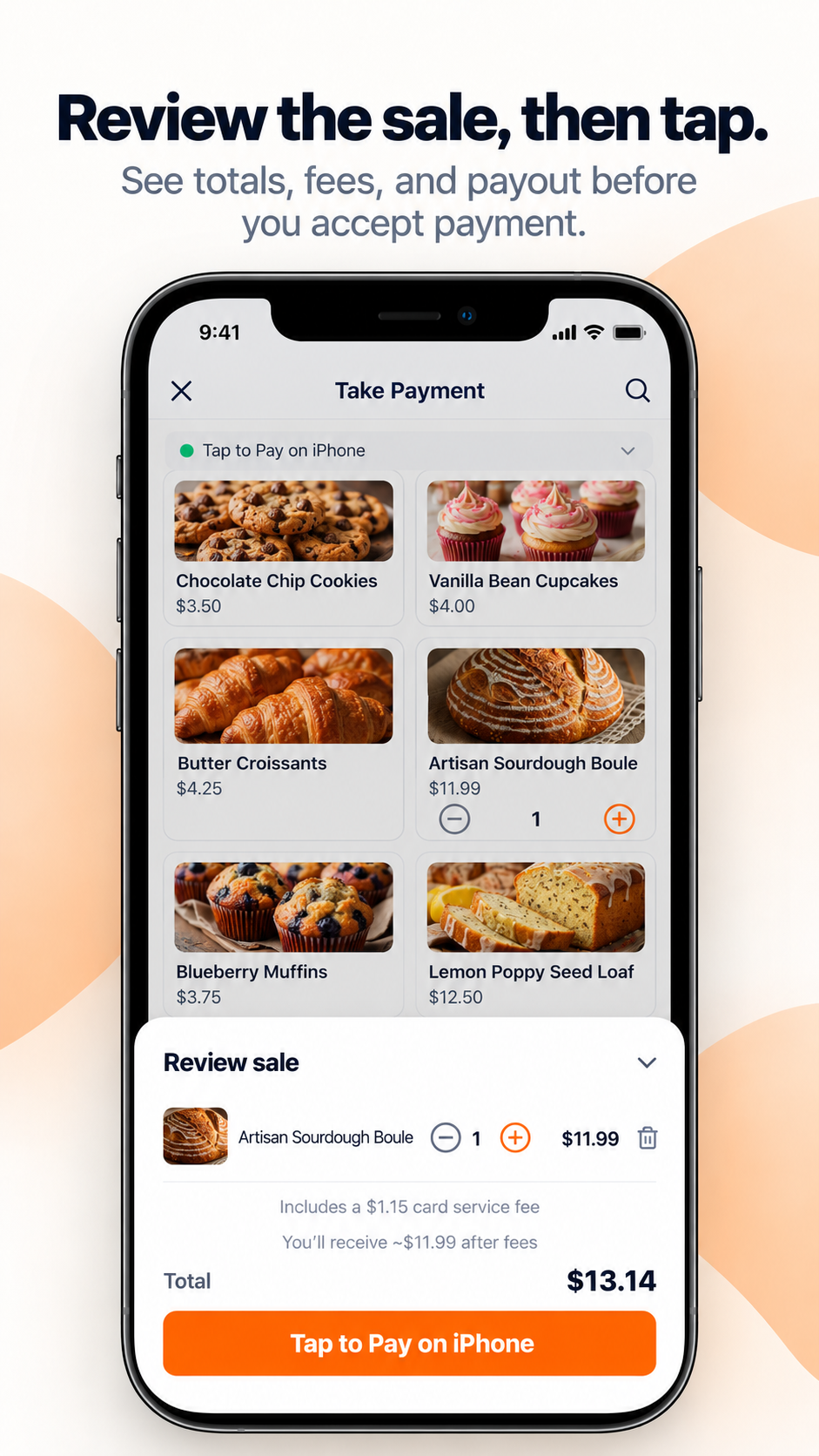
They approve it, it becomes a payable invoice automatically.
Nothing is billable until they say yes. Once they do, the quote turns into a tracked invoice on its own.
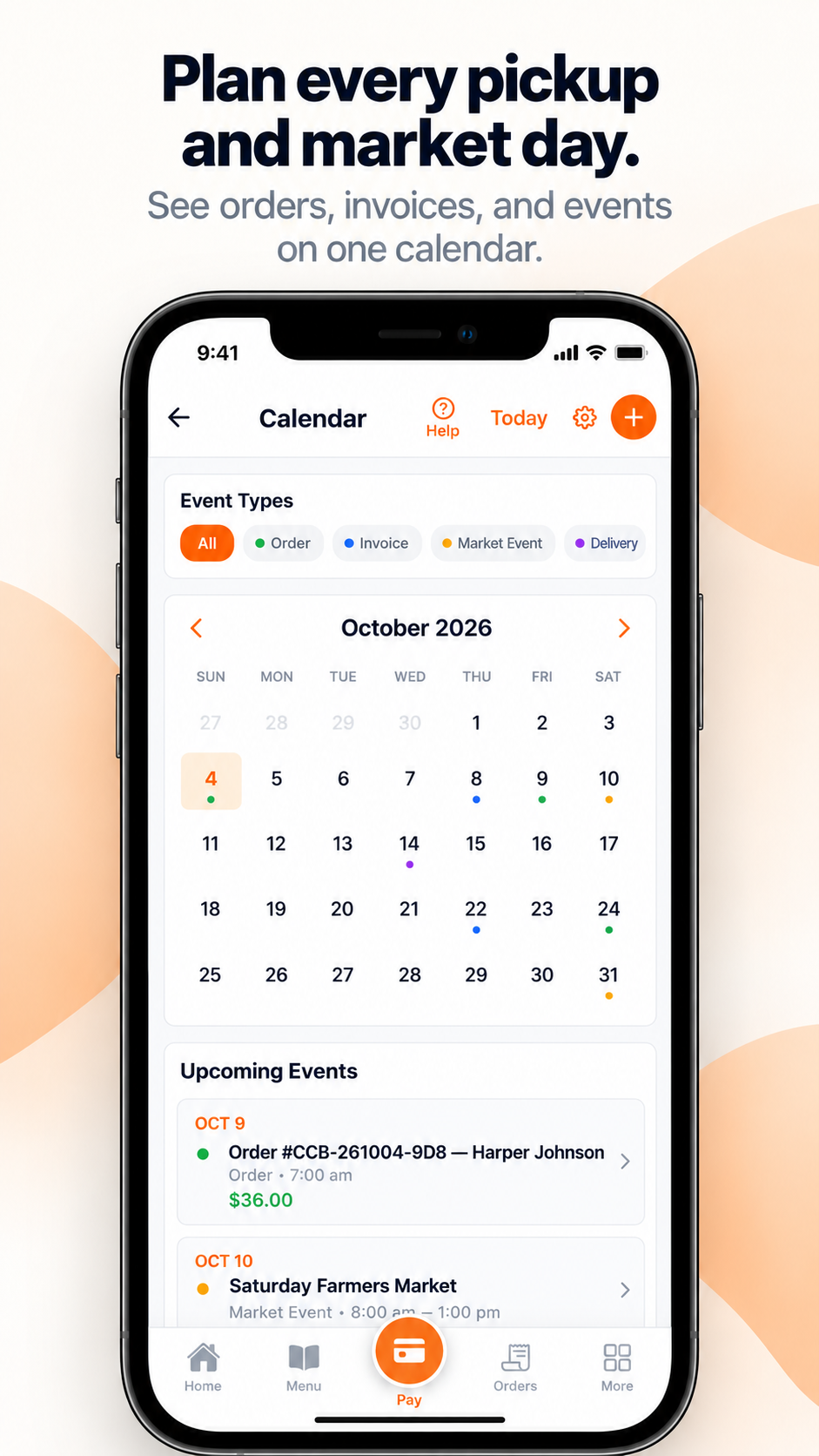
You choose fulfillment, they pay, the order's done.
You pick pickup or delivery details for the order. Payment is recorded automatically the moment it comes in.
Why an order isn't just a to-do list item
Every fulfilled order is a full transaction record, the same data a tap-to-pay sale or storefront order produces, feeding straight into your Business Coach.
Free to set up. You only pay once you make a sale.
Frequently Asked Questions
Do I still have to build the quote myself?
Yes. You set the line items and price. What's automatic is everything after your customer approves it: the invoice, the payment record, and the transaction feeding your numbers.
What if the customer never approves the quote?
It just stays a quote. Nothing becomes billable, and it never shows up as revenue, until they approve it themselves.
Do I have to pick pickup or delivery myself?
Yes, that part's on you. Once you set it, it's tracked with the order so you're not digging through messages to remember what you agreed to.
How is this different from just sending an invoice?
It's the same underlying flow. This page is about the full order, from inquiry through fulfillment. If you already know the price and just need to bill it, see Invoices.
More questions? See all FAQs →